HIconLabel
-
class
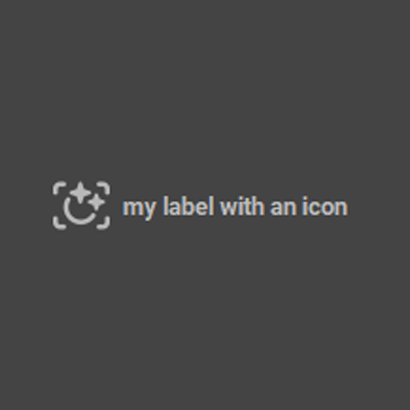
source.Qt.custom_widget.HIconLabel(*args: Any, **kwargs: Any)¶ Create a widget that contain an icon and a Qlabel
Todo
allow to chose the layout orientation
- Parameters
icon (pixmap) – icon of the icon label
neededtext (str) – text of the icon label
neededsize (list) – size of the icon
defaults [16,16]
Example:
# Module specific imports
import Qt.custom_widget as cstm_widget
# PySide specific imports
from PySide2 import QtCore
from PySide2 import QtWidgets
from PySide2 import QtGui

win = QtWidgets.QDialog()

layout = QtWidgets.QVBoxLayout(win)

icon = QtGui.QIcon("")
my_label = cstm_widget.HIconLabel(icon, 'my label with an icon', size=[30,30])
layout.addWidget(my_label)

win.show()
Functions
Create all Layout of QWidget
Create all widget of QWidget